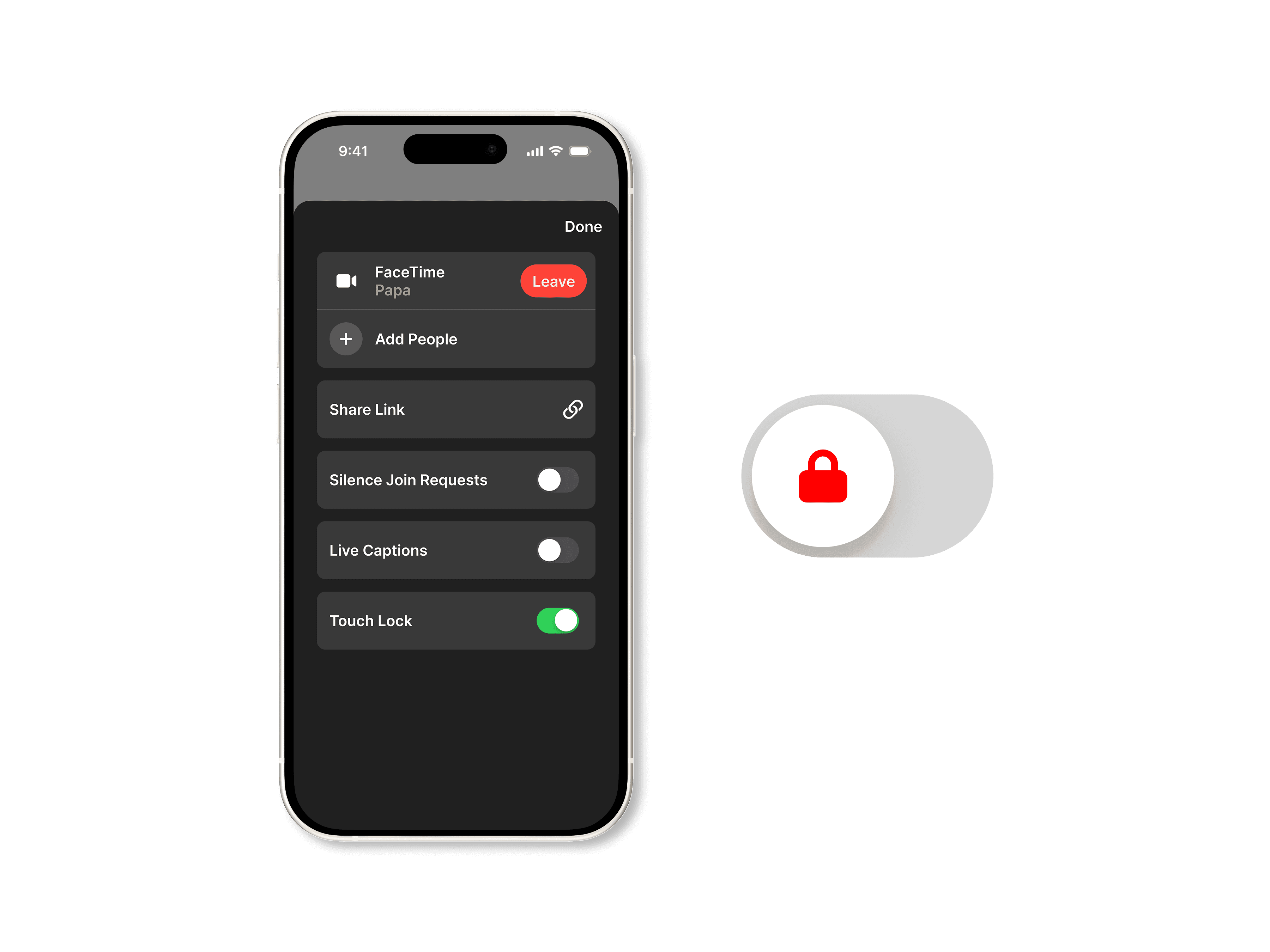
Solving a Facetime accessibility issue
Accidental touch activation is one of the most common usability breakdowns in touch-based interfaces for both early childhood and aging populations.
Client
Personal Project
Duration
2 Weeks
Team
Josh Kotel
Role
Concept Design

The Challenge
Solving touch screen accessibility for those with motor skill issues, while retaining full functionality.
“ The problem is—she doesn't know how to interact with the screen yet.”
– Reddit User, Parent
Why Touch Lock?
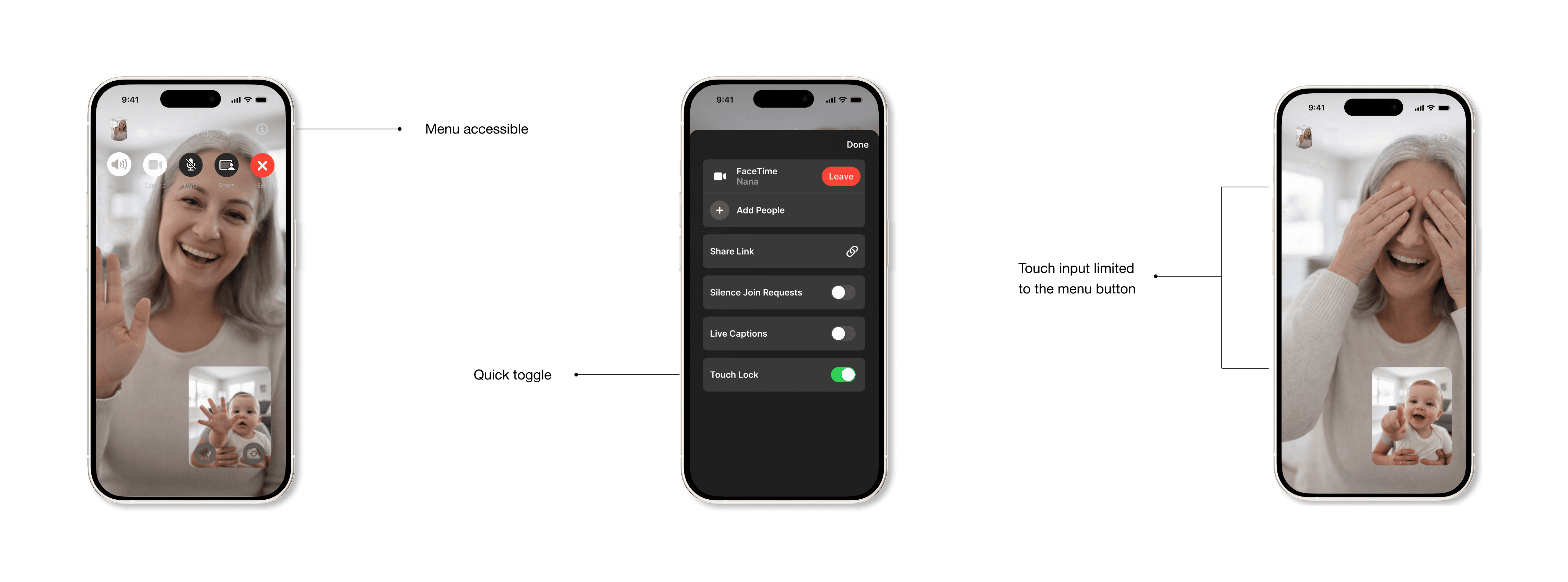
Currently, disabling your phone screen requires a deep dive set-up within accessibility settings. When in use, the feature disables the digitizer from recognizing any input—i.e. taps, and swipes. The use of this feature requires it to be set up as an accessibility shortcut. To enable it, the user needs to triple click the side button, and then confirm the use of the setting.
I feel this feature can have greater utility than it's been given, and making it both easier to find and simpler to toggle on and off, will reduce a pain point for millions of users.
Next Steps
With more time, I would build out of key pages, and perform more usability tests. Beginning with the visit history page, including visit breakdowns and smart-integration for invoice explanations. Also a build out of the chart page, as well as calendar integration for appointment and medication reminders.